STW Boolean Blend - Substance Designer Tool
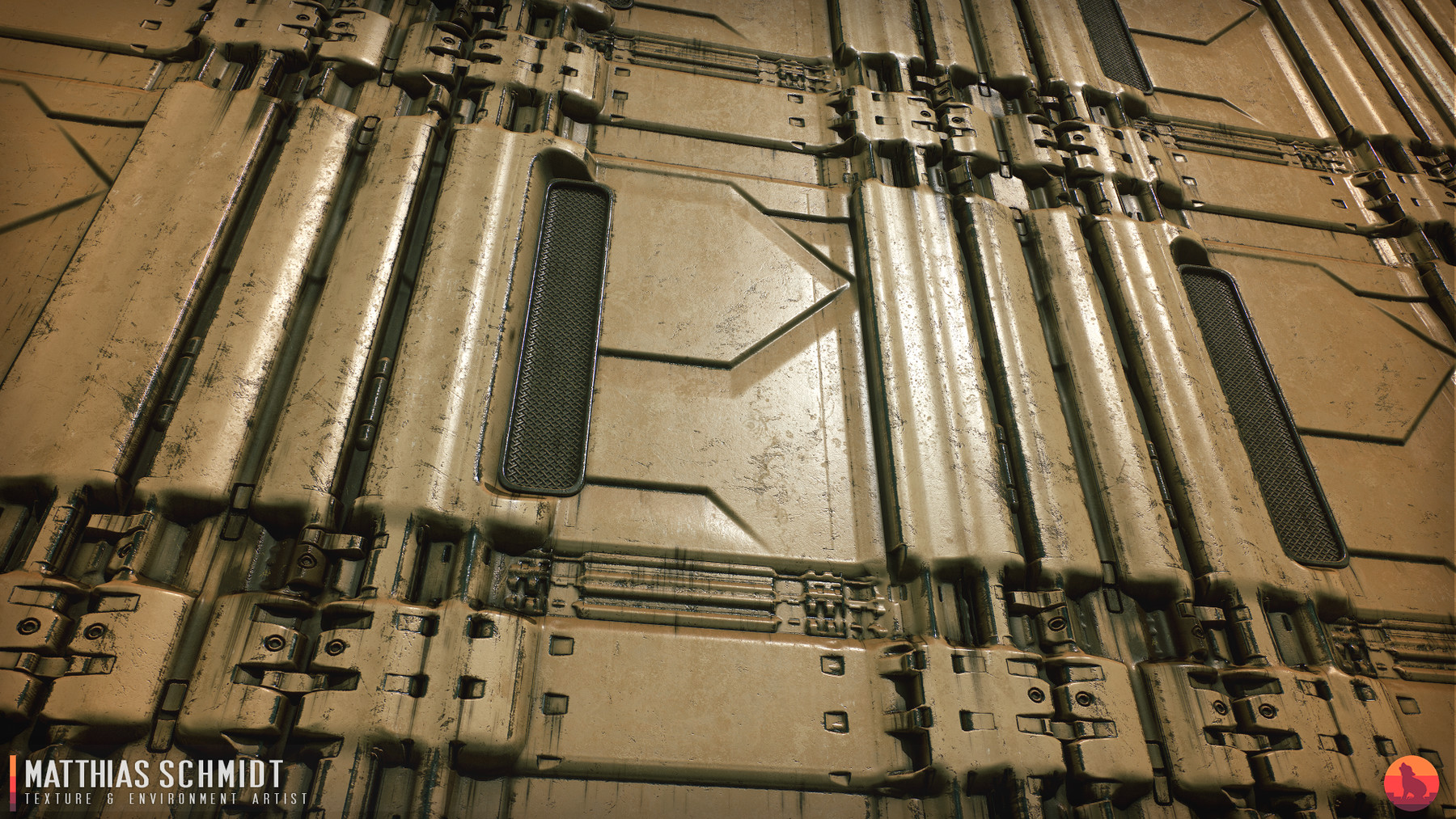
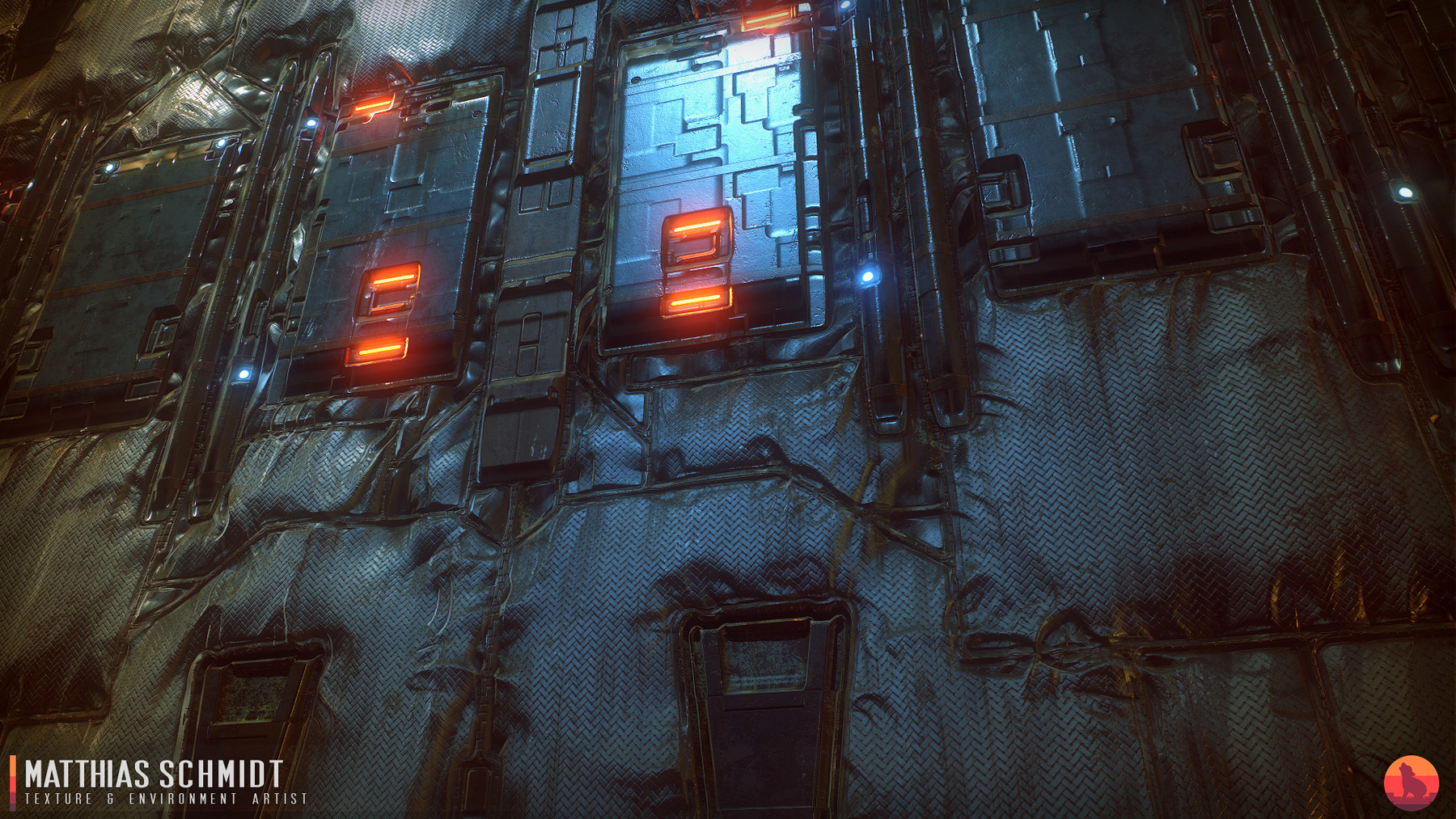
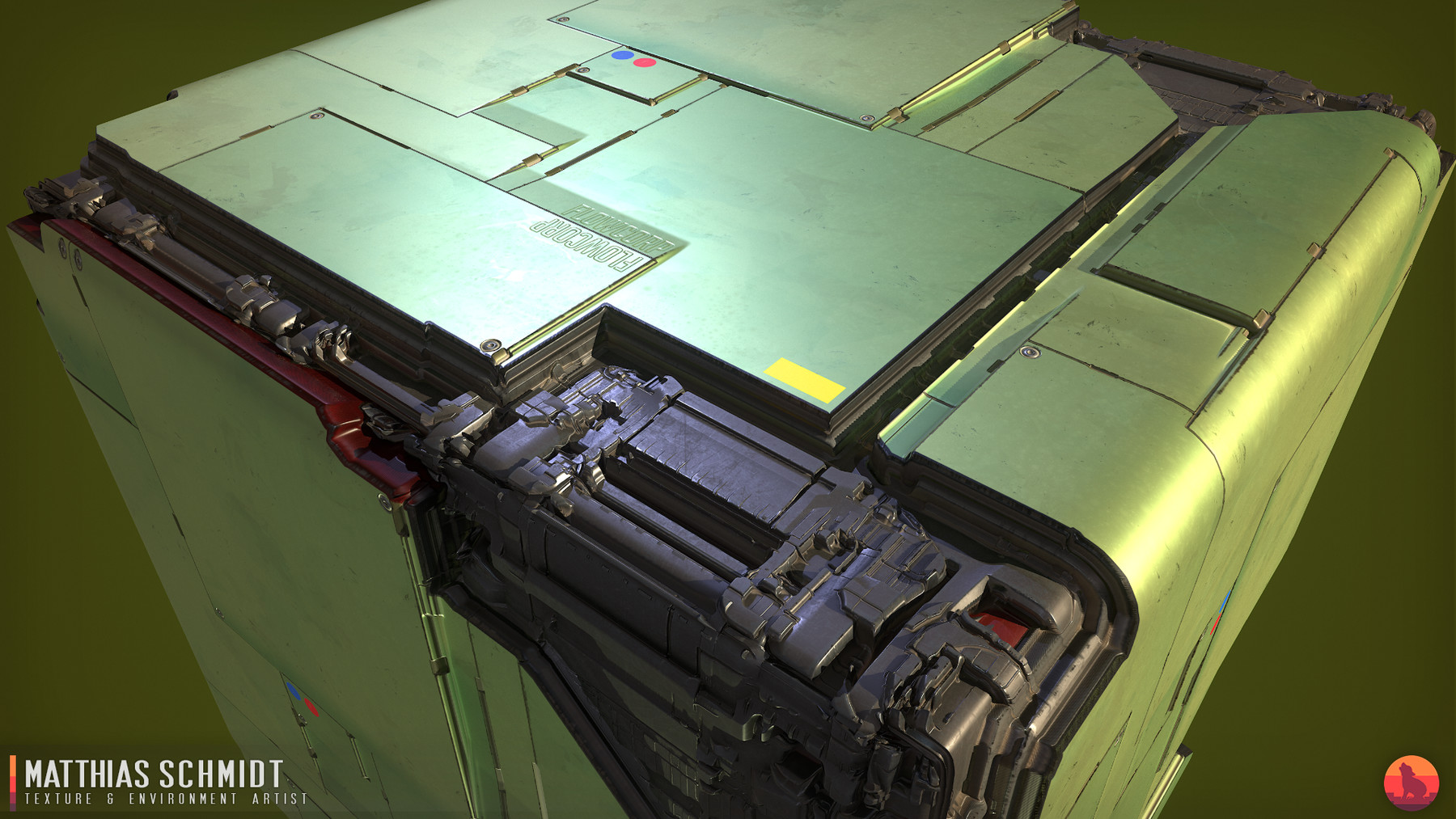
I described this node on my blog over a year ago year and more recently in my 80 Level sci-fi article.
Never released it because it was poorly optimized. I fixed that and decided to make it available for free to celebrate 500 followers on Twitter in less then two months and soon 4k followers on Artstation!
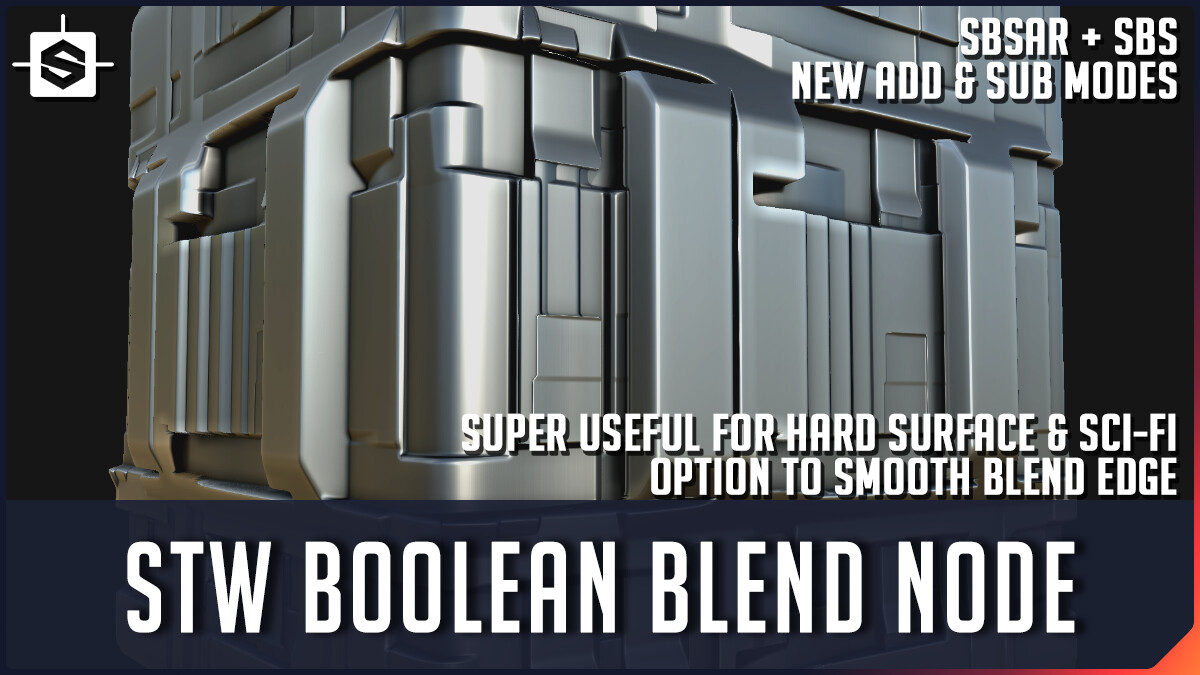
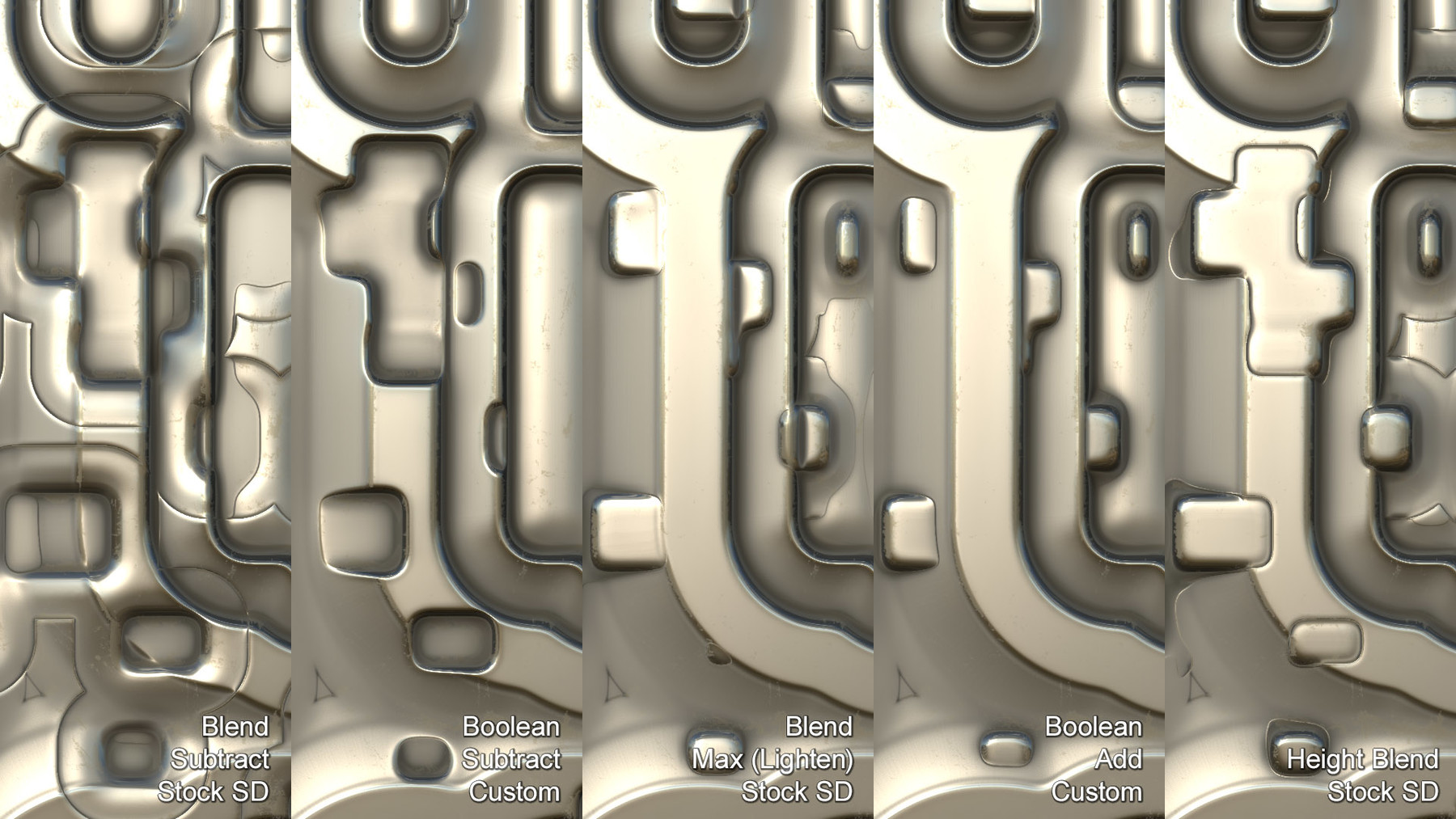
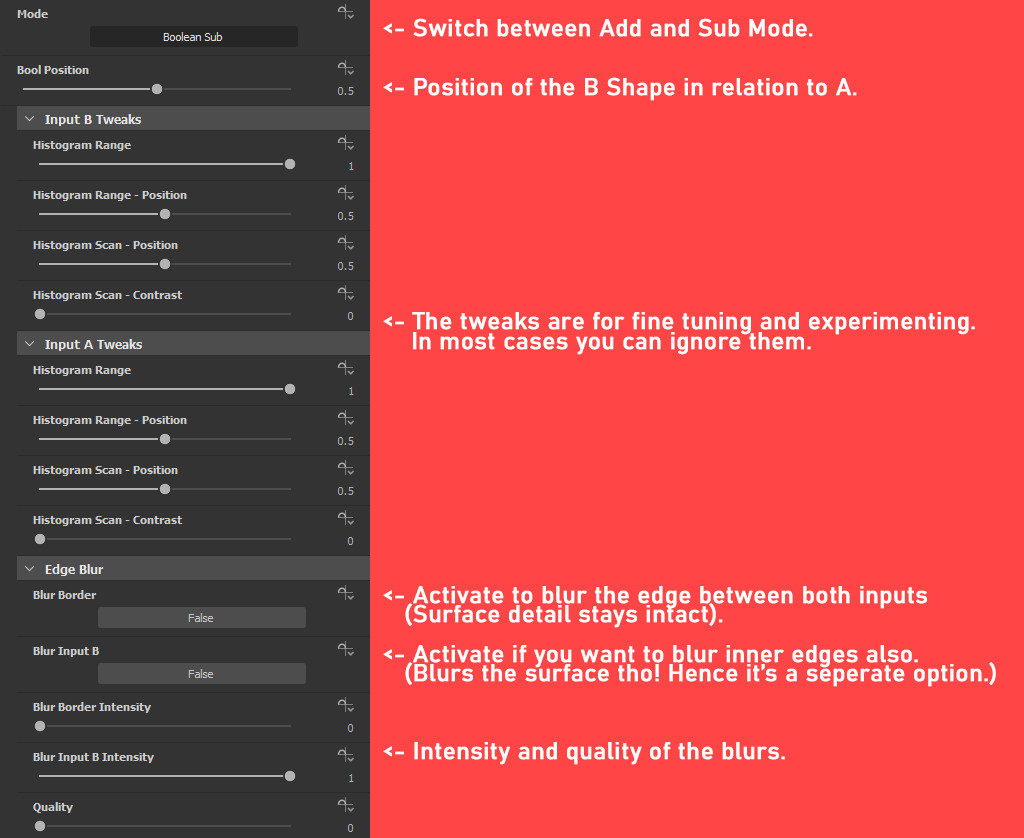
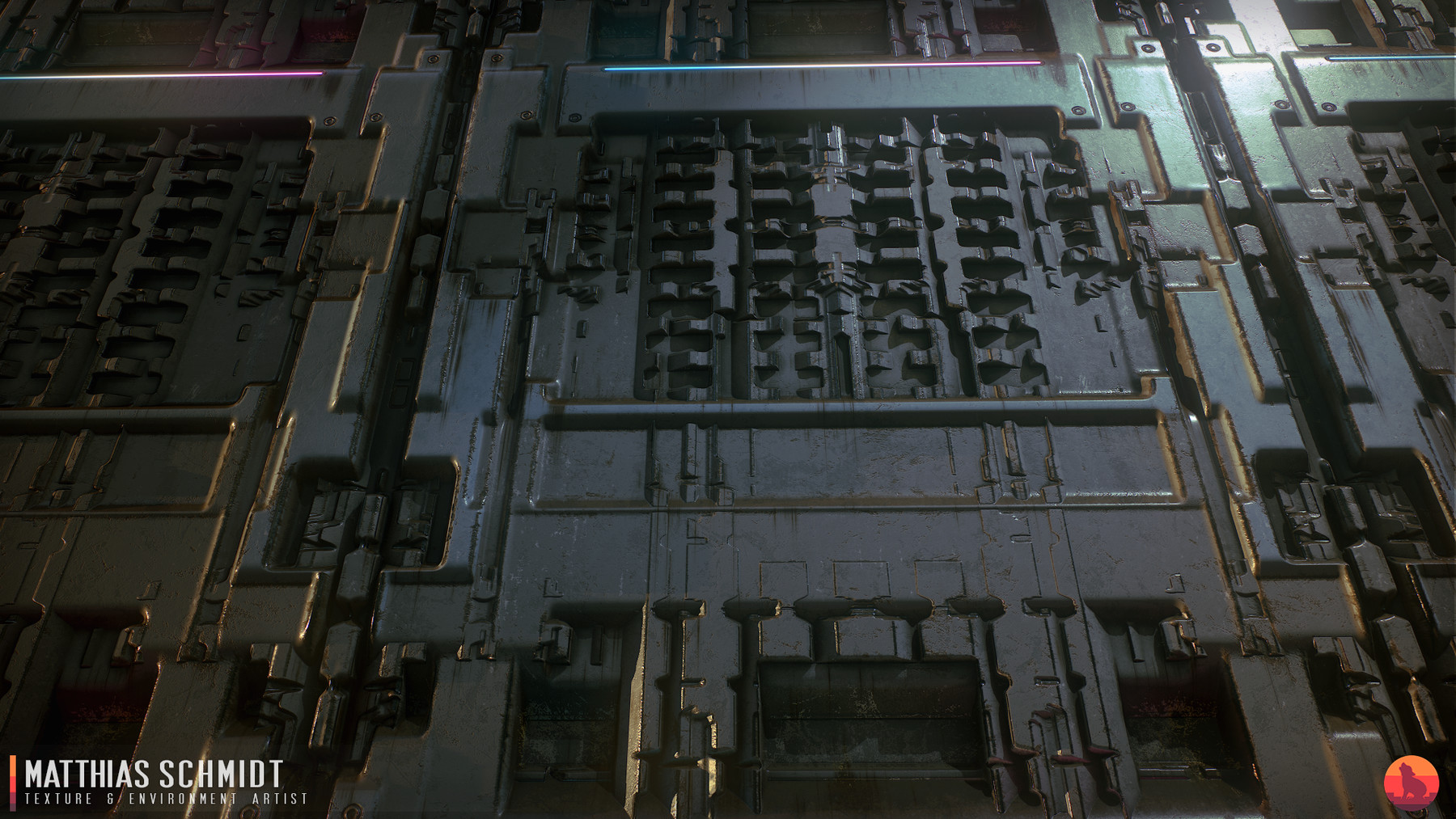
This node offers two new blend modes for Substance Designer: Boolean Add and Sub. The modes are ideal for hard surface substances, working similar to booleans in a 3D app. You simply add or sub one input/shape from another without the blending artifacts and quirks from the more Photoshop like default blend modes.
For hard surface substances this is a way more intuitive tool.
The node has options for bluring the newly created borders and edges which works well for imitating a smoothed high-poly look.
The node was created with Substance Designer 2020.1.2.
Contents:
- STW Boolean Blend SBSAR
- STW Boolean Blend SBS
Digital products are non refundable.