STW Grid Shape Maker - Substance Designer Tool
Free giveaway as a Thank You for 6k followers!
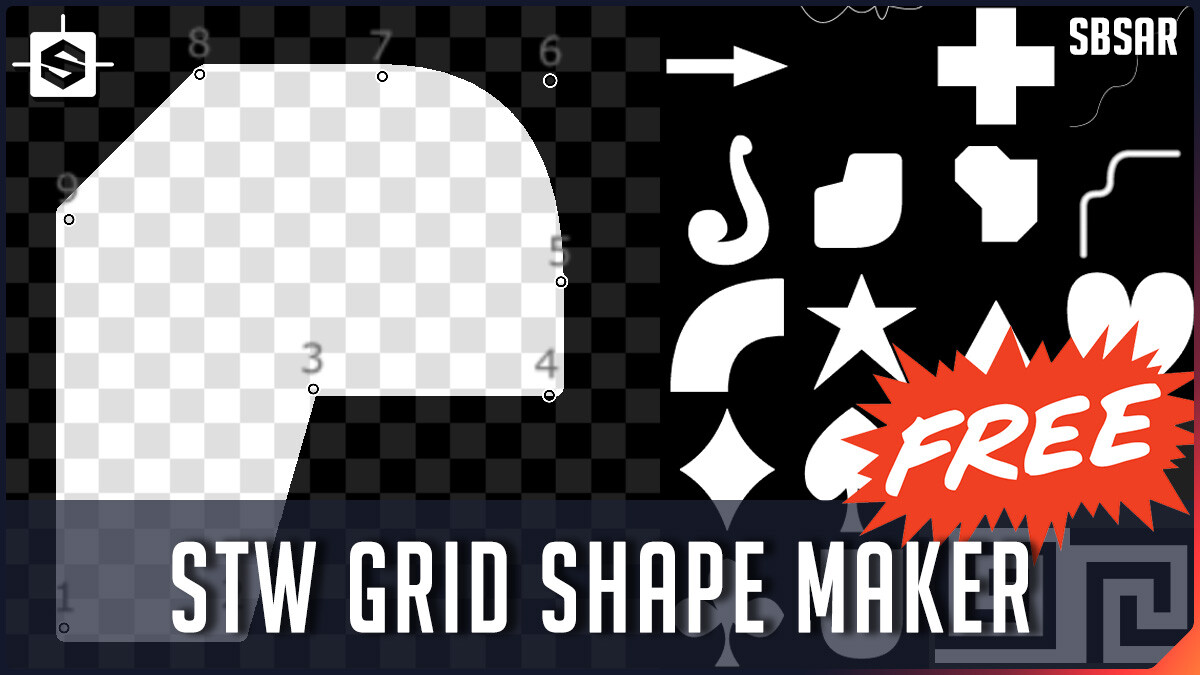
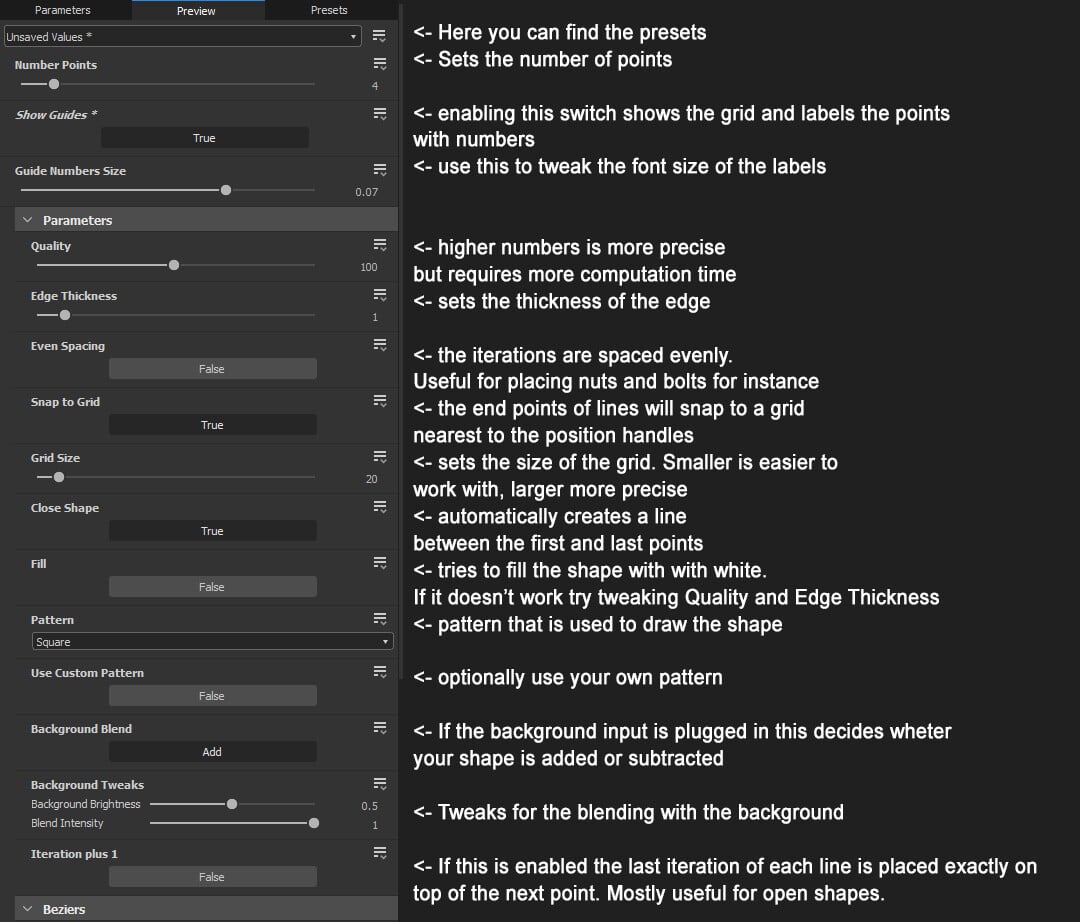
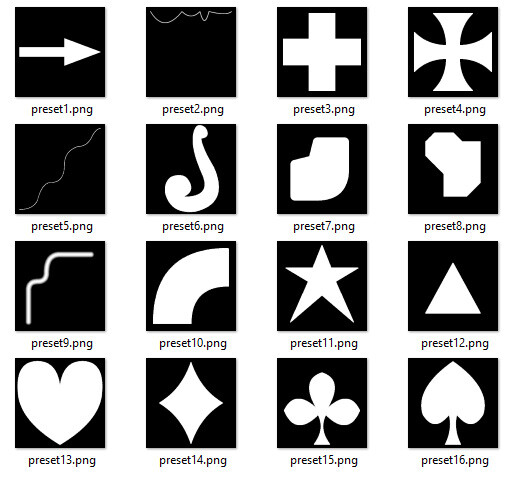
This tool makes creation of base shapes easy. You simply draw them out with points that snap to a grid. Each point can be turned into a bezier for more curvy or round shapes. You can choose between open or closed shape, filled or edge mode. Works for making pipes and cables as well! By reducing the quality, selecting switch for even spacing and plugging in a custom input this will also work great for placing things like screws and bolts around panels.
Via a switch you can turn on guides that will show you the grid and label the points which makes working with this node snappy and easy.
Limitations and caveats:
- Computation time goes up the more points are in use. Best to work on the shape before plugin it into your graph.
- Works better if you don't go too crazy. The max of 20 points is pushing it. The goal is to save time and avoid big graphs for base shapes, not drawing the next Mona Lisa.
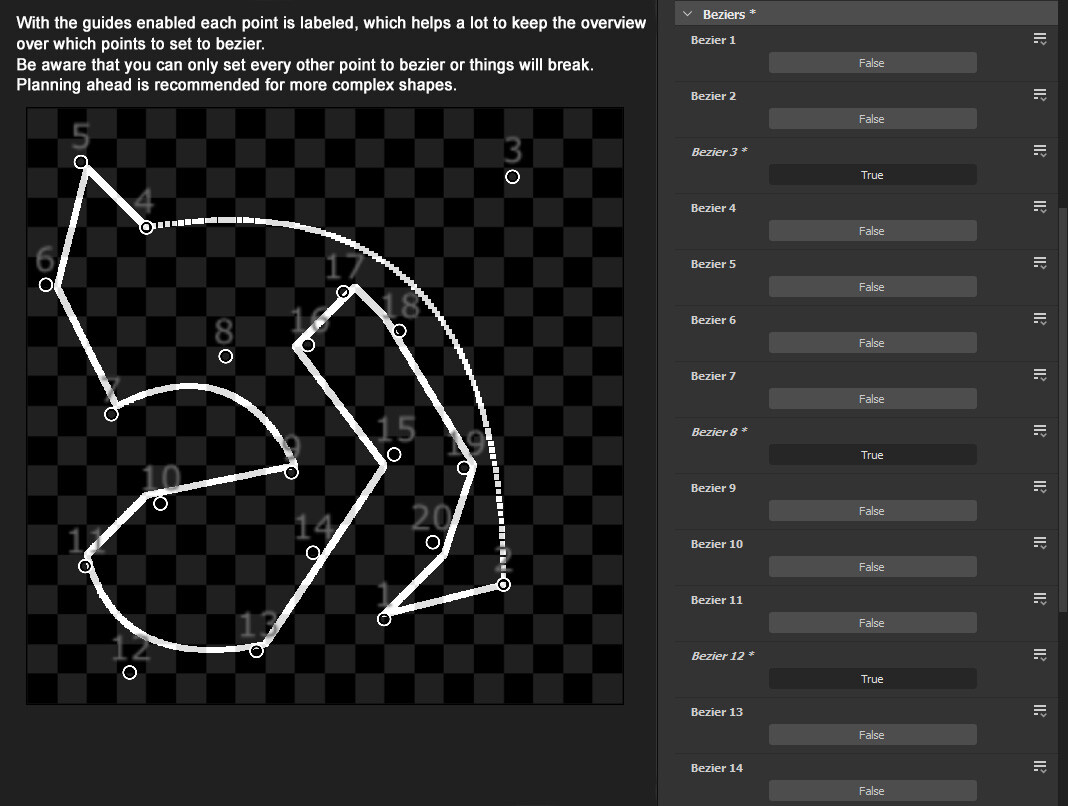
- The logic for the beziers is very basic. Best to plan ahead a little for your shapes which corners will use bezier.
- Only every other point should be turned into a bezier at max otherwise it will not work properly.
A few extra parameters have been added since creating the promotional materials for this product: Thickness of the edge can be snapped to the grid (good for pixel perfect shapes); Mirror options; Switches for skipping lines so you can draw noncontiguous/interrupted shapes.
The node was exported with Substance Designer 2021.1.2.
Special thanks goes to Olivier Lau who gave me the idea for this node and Şeref Atilla Gürbüz who helped me with figuring out the beziers!
Contents:
- STW Grid Shape Maker SBSAR
Extended commercial license applies. On top i give you permission to use this node in dependencies of your sbs files that you want to sell. A shout out would be nice if you use this node but is not required.
Digital products are non refundable.